Free forever at home
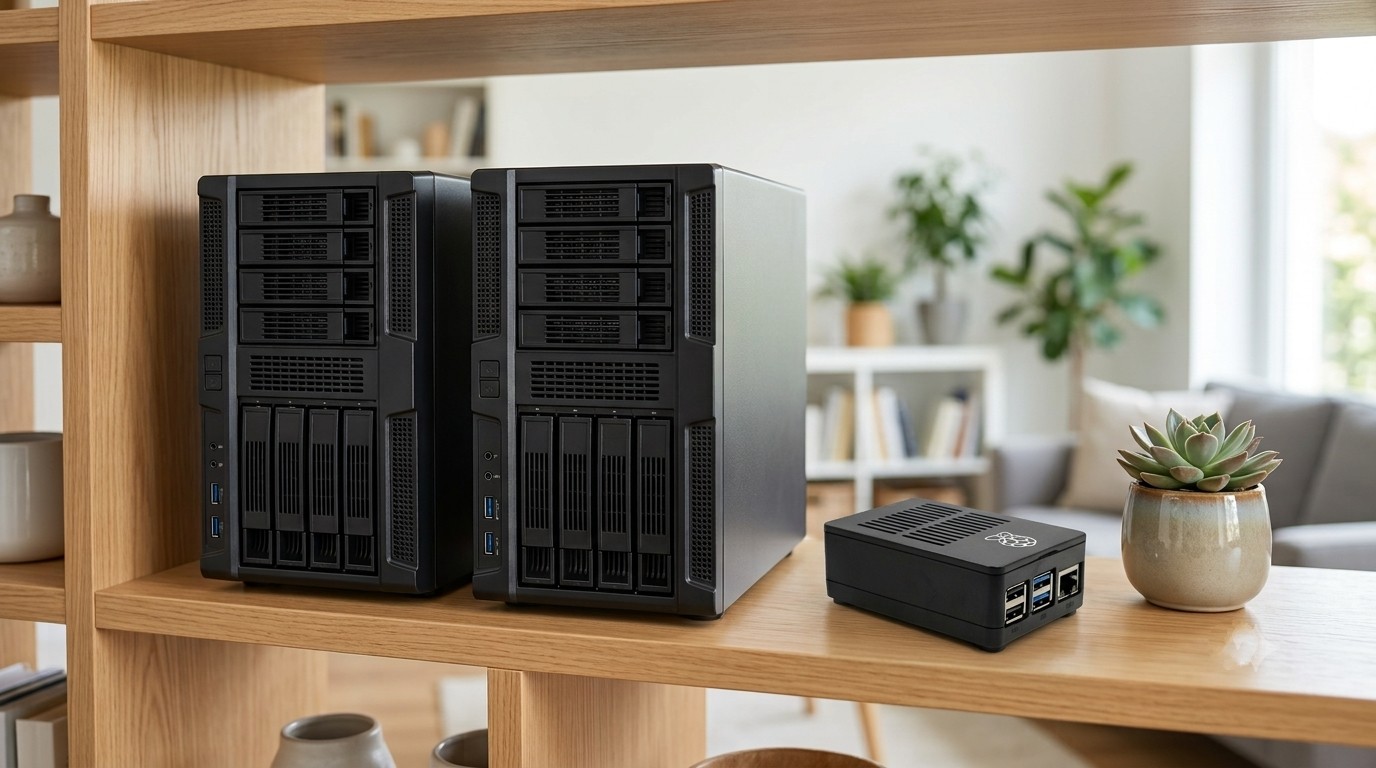
A Raspberry Pi NAS and Media Server
that works out of the box
Every other Raspberry Pi NAS guide starts with a keyboard, a monitor and a list of commands to type. This one doesn't.
Four simple steps. About 30 minutes from start to finish, and most of that is just waiting for the download and SD card to write.
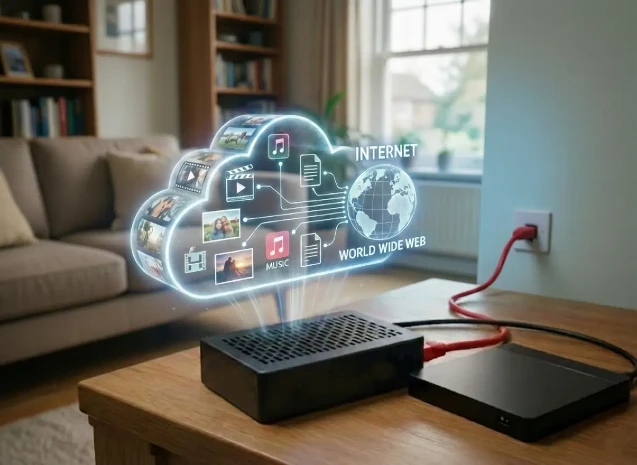
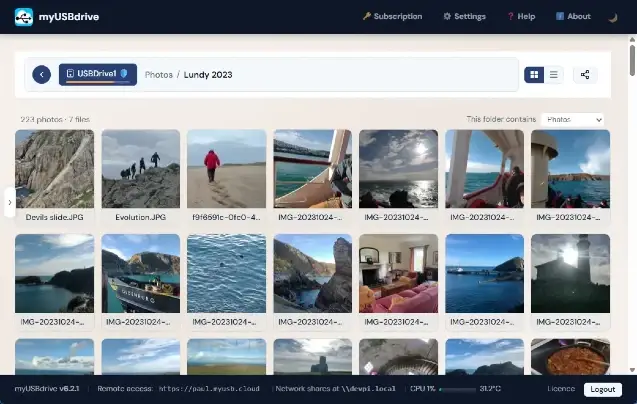
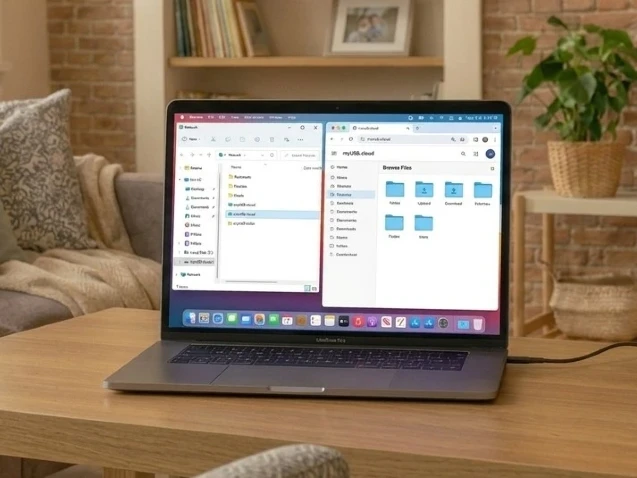
Download and flash the image, plug in your USB drive, switch on, then open myusb.local in any browser. That's the whole installation. No static IP, no port forwarding, no dynamic DNS, no Docker compose, no reverse proxy, no Samba config, and no separate media server to bolt on afterwards. Free forever at home.
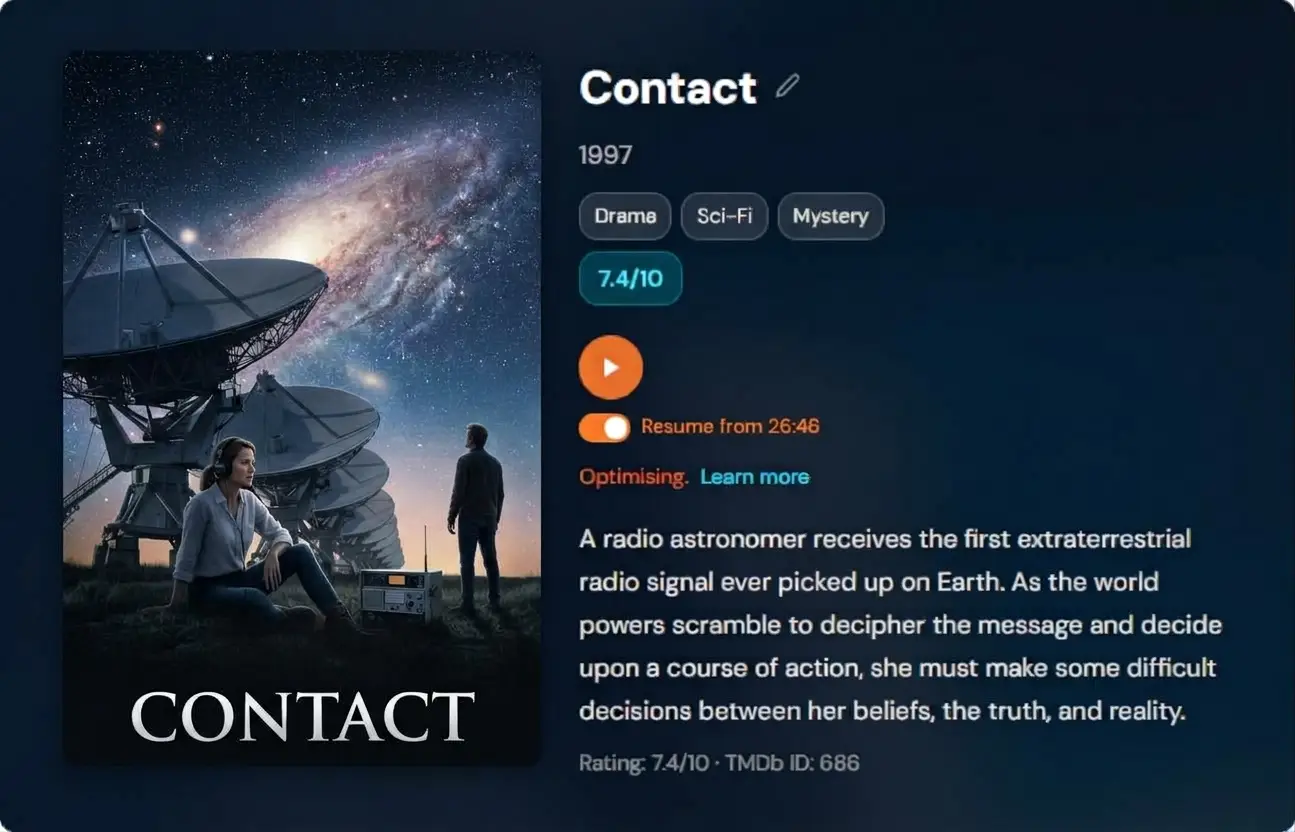
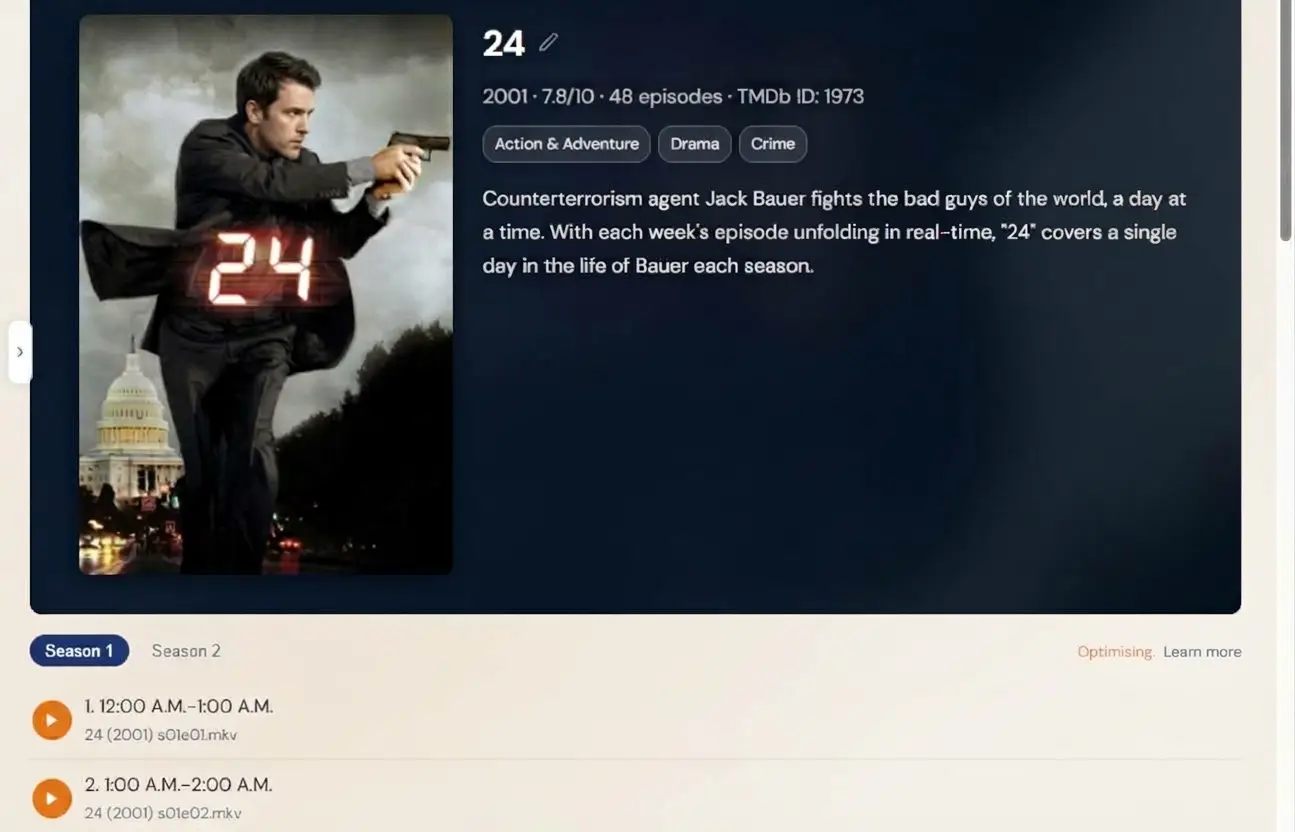
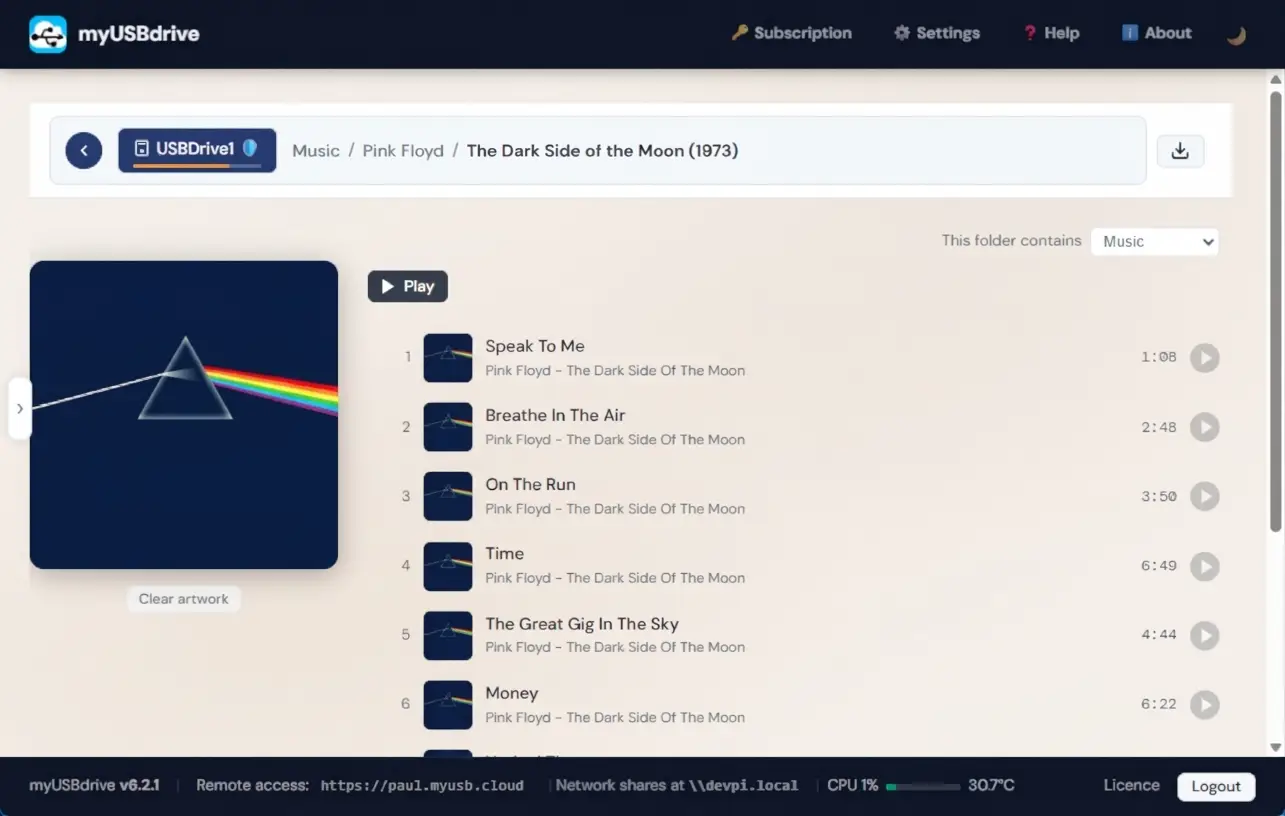
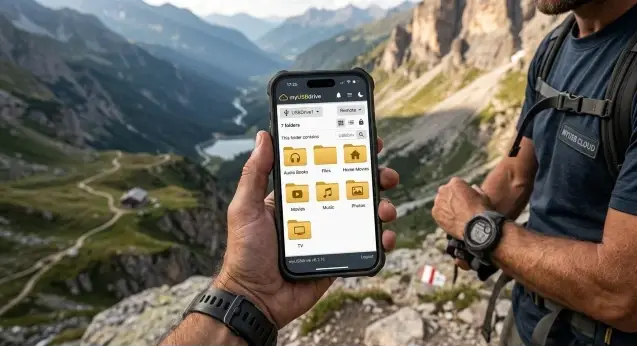
Runs on a Pi 3, 4 or 5 with your own USB drive. Films, music and photos are built in, so the media server is not a second project.