Most people don't think about backing up their photos until the day a phone goes in a puddle, a laptop won't turn on, or a hard drive makes a noise it has never made before. By then it's often too late.
The good news is that keeping your family photos safe isn't complicated. There's one simple rule the professionals use, it's easy to remember, and you can set it up at home in an afternoon. It's called the 3-2-1 rule.
The 3-2-1 rule, in plain English
Keep three copies of anything you'd hate to lose
The original, plus two backups. Three copies means it would take three separate things going wrong at once to lose your photos, and that almost never happens.
On two different types of storage
Don't keep all three copies on the same kind of thing. A phone and a USB drive, say, rather than two folders on the one laptop. Different types fail for different reasons, so one problem is far less likely to take them all.
And one copy kept somewhere else
At least one copy away from your home. This is the one people skip, and it's the one that saves you from a fire, a flood or a burglary, the disasters that would otherwise take the originals and the backups sitting right next to them.
The mistake almost everyone makes
Here's the trap: thinking you've already done this when you haven't. Two examples I hear all the time.
"It's all in the cloud, so I'm fine." The cloud can be one copy, and a good one, but it's still just one. Accounts get locked, get hacked, or get closed by mistake (I wrote about a family this happened to). If the cloud is your only copy, you don't have a backup, you have a single point of failure with someone else's name on it.
"They're on my computer and on a USB drive." Better, that's genuinely two copies. But if both live in the same house, a single fire or theft takes them together. You've covered a dead drive, which is the most common disaster, but not the worst one.
What 3-2-1 looks like in a real home
It doesn't need to be complicated or expensive. Here's my own setup, as an example.
The master copy of our family's photos, films and music lives on a USB drive at home, plugged into a myUSBdrive. That's copy one. myUSBdrive automatically mirrors it onto a second USB drive, at no extra cost, so if one drive dies the other carries on. That's copy two, on separate hardware, which covers the "3" and the "2".
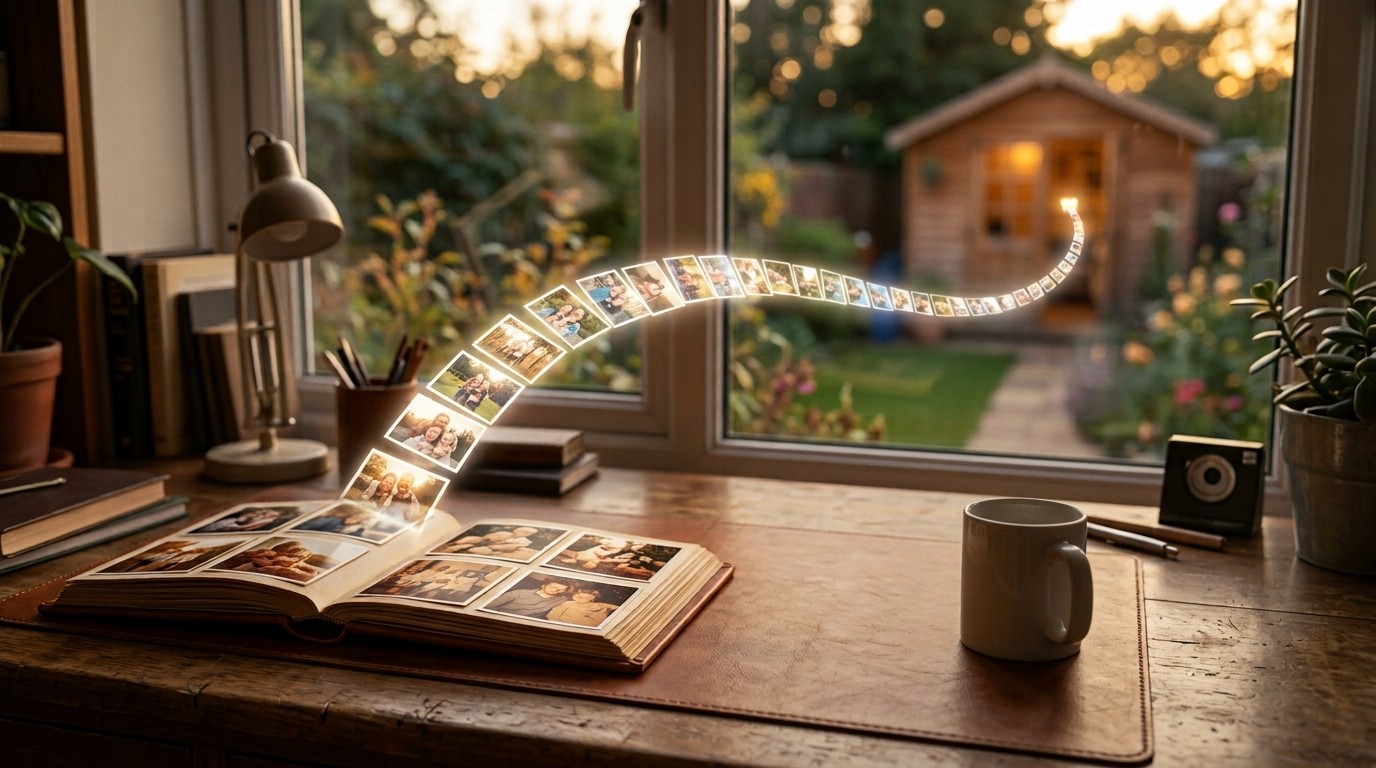
For the all-important "1", I keep a mirror drive out in the shed, physically apart from the house. If the worst happened indoors, that copy is sitting safely at the bottom of the garden. You could just as easily keep an occasional copy at a relative's house, or add a cloud copy as your offsite one. The point isn't where, it's elsewhere.
And to be straight with you: one myUSBdrive on its own is one copy, not a backup. The reason I mention that is the same reason this article exists. Any single place your photos live, a phone, a drive, a cloud account, or even a myUSBdrive, is one copy. 3-2-1 is simply the habit of never letting the count drop to one.
Where to start today
You don't have to build the whole thing at once. If everything you own is currently in one place, just make a second copy this week, ideally onto a different type of storage. Then, when you can, get one copy out of the house. Two small steps, and your memories go from "one bad day away from gone" to genuinely safe.
An easy home for two of your three copies
myUSBdrive keeps your photos, films and music on your own USB drive and automatically mirrors them to a second one for free, so copies one and two look after themselves. Add an offsite copy and you're at 3-2-1. Free at home, about £95 for the kit.
See what you need to build yoursMore reading: the 3-2-1 rule is long-standing backup advice, echoed by national cyber-security bodies such as the UK's National Cyber Security Centre, which recommends "at least 3 copies, on 2 devices, and 1 offsite". See also our piece on the family who lost their photos to a locked account.